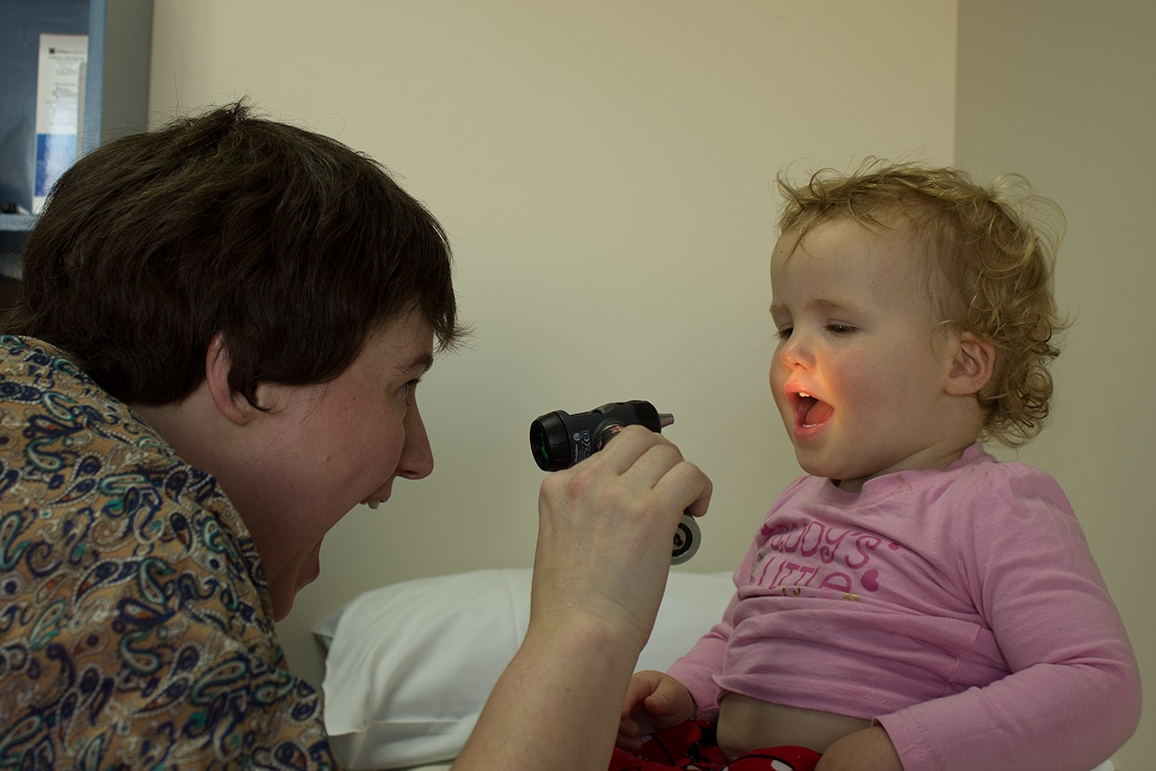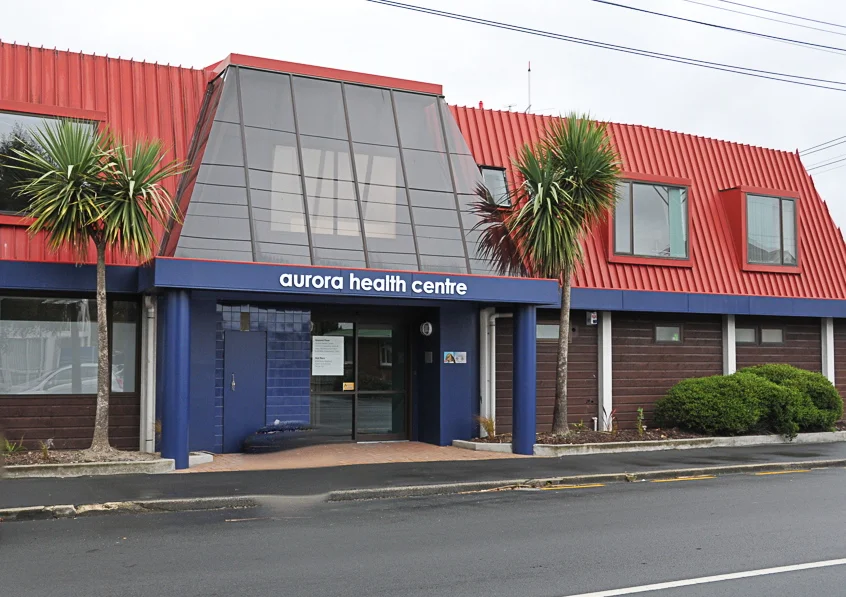
Aurora Health Centre strives to provide accessible, quality health care in partnership with our patients. We provide a comprehensive range of services in a professional caring manner to all.
To make an appointment, call
If you have any sore throat, cough, runny nose, sore ears, temperature or tummy bug symptoms please let reception know so we can book you into the right appointment. If you don’t tell us, it may result in your appointment being delayed or cancelled.
News
Manage My Health (MMH) Cyber Incident - Patient Update
The breach of MMH’s health document module occurred on 30 December 2025, and as of 9 January 2026 we are aware that some of our patients are able to see their breach status within the app by logging in as normal, though others had not received notification, nor were able to see their breach status within the app.
We are working closely with WellSouth (our Primary Health Organisation) to apply pressure to Manage My Health.
The plan from MMH
MMH have confirmed that they will begin notifying affected patients over the next few days and may take up to five days to communicate with all patients. Our understanding is that MMH will reach out to patients via email (the email they registered MMH with) and then direct them to the portal to see which documents have been breached, or, if the patient is unaffected, we understand that the plan is they will see a green tick within the portal to indicate their data has not been breached.
If you are affected
If you are affected by this breach, Management My Health will contact you via email. An 0800 helpline has been established for patients to contact if their data has been breached and need further clarification and/or support from MMH.
Affected patients are welcome to book in for a free 30-minute consultation with our Health Improvement Practitioner who can support you. Please call us on (03) 455 0006 if you would like to book an appointment.
Aurora’s response so far
MMH states the incident is contained and the platform has been independently verified as secure to continue using.
On becoming aware of the incident, Aurora has stopped sending consultation notes from our patient management system to MMH while investigations progress.
Using Manage My Health
Manage My Health have stated the platform is safe to use after an incident verification from a cybersecurity expert.
You can continue using MMH for bookings and repeat prescriptions.
Can I close my MMH account?
This is entirely your decision. MMH have said they will communicate via the app, so if you choose to close your account, it may mean you need to call MMH if you receive an email from them.
How: Log into the MMH app or website - go to My Account - choose Close Account
Practical security tips (quick wins)
Change your MMH password and avoid re-using it on other sites.
Enable MFA using an authenticator app. See steps below for how to do this.
Be alert to scams and phishing: Don’t click unknown links; report suspicious emails, call, or messages.
MFA Steps
MFA adds a second code (a code) when you log in, which makes your account much harder to compromise.
1. Open MMH (app or browser) and sign in.
2. Go to Profile/Account - Security (or Two Factor Authentication)
3. Choose an Authenticator app (eg Google Authenticator or Microsoft Authenticator).
4. Scan the QR code or enter the setup key shown on MMH
5. Enter the 6 digit code from your authenticator app to confirm setup.
6. From now on, you’ll enter your password and a fresh code from the authenticator app each time you log in.
MMH has confirmed support for Google and Microsoft Authenticator apps and encourages enabling 2FA/MFA.
App now redirecting to a web browser
Some patients have noticed that logging in via the MMH app now redirects them to a web browser.
MMH have explained that this redirection is so they can install some updates to allow them to show whether a patient has been breached, directly in the app.
We hope this information is helpful. We will continue to keep patients updated on our website as and when more information becomes available to share.
Current Wait Times
Due to recent staff changes, our wait times for appointments is currently about four weeks.
To help with this, we’ve introduced a Nurse Triage Phone List.
Our reception/administration team can add you to the list, and a member of our nursing team will call you for a quick assessment to determine if you need to be seen urgently or if it is appropriate to wait for a later appointment.
Also, a reminder that we are not an urgent care facility. This means we are unable to see patients urgently who have not booked an appointment. The same nurse triage system will take place if you choose to walk into Aurora Health Centre without an appointment and there will be a $55 fee – payable on the day. The nurse will triage you based on your symptoms. You may still be advised to attend the Urgent Doctors, ED or come back at a later time/date for a Doctor’s appointment (which you will be charged for).
New Patients
We are currently not accepting new patients
Repeat Script Requests
We require three working days when you request a repeat prescription, which is $20.
If you need an urgent script, please allow 24 hours and this will cost $30.
Any requests for early release of certain medications will incur a script fee of $20.
With repeat prescriptions you will still need be seen at least once every 6 months.
You must be a registered patient at Aurora Health Centre to be able to book an appointment or request a repeat prescription on the patient portal - Manage My Health.
If the Person you are wanting to book in is not registered with the Aurora Health Centre, then please phone for a appointment
After Hours and Urgent Care
After hours care is provided by Dunedin Urgent Doctors & Accident Centre at 18 Filleul Street, Dunedin which is open from 8am-10pm each day (including holidays). Phone: 479 2900 From 10pm to 8am, patients are covered for emergencies by Dunedin Hospital emergency department